macOS
Apple Silicon · macOS 14.4 or later
Download for macOS For M1 and later Macs.StenoAI / Download
The open-source app. On your own device.
Choose your platform to get started.
First-run setup downloads the AI models. After setup, the local meeting workflow can run offline.
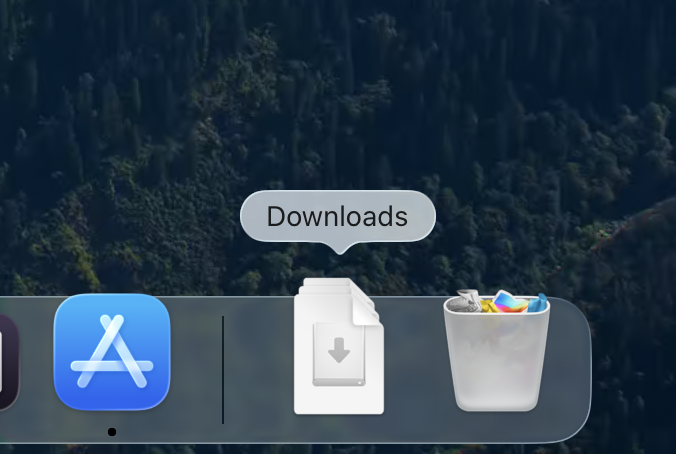 01 Open the installer from Downloads.
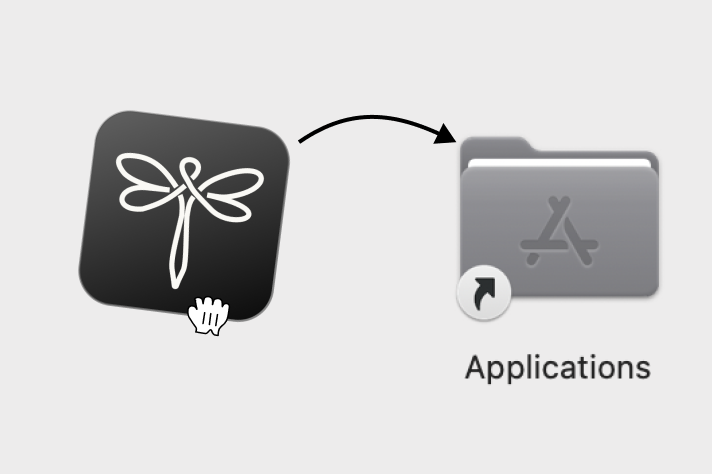 02 Drag Steno into Applications.
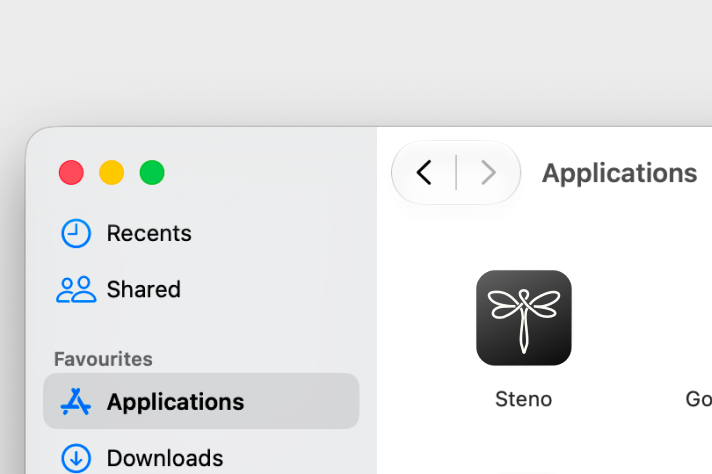 03 Open Steno and follow setup.
Open the downloaded .exe installer and follow the installation prompts. Launch Steno and complete first-run model setup. For managed devices, follow your organisation’s process for evaluating and installing unsigned alpha software.